

Learn how to turn even your most boring photos into artwork
From basic editing techniques that help you draw out the beauty in your photos, to advanced techniques where you combine elements from different photos to create jaw-dropping artworks. This workshop will teach you the tools and techniques in Lightroom and Photoshop you need to create the looks you’re aiming for, and help you develop your own editing style by combining them.
Lifetime Access!
“If you want to learn Lightroom and Photoshop from scratch, you’ve come to the right place. The topics are short and sweet, yet they cover everything you need to know. It really makes you look forward to the next lesson. What’s more, you can put what you’ve learnt into practice straight away. Before this, Lightroom and Photoshop were a complete mystery to me – far too complicated for me to want to spend any time on them.”
Silke Z.
WHY? WHAT? AND HOW?
Editing software programs can be overwhelming. So many tools to investigate, so many options to combine them. I get you. When I first downloaded the Lightroom software I couldn’t fathom out how to import photos, never mind edit them. I opened and closed the software at intervals, and regularly announced that I’m one of those photographers who prefer unedited photos. That was until a good photography friend showed me the basics in exchange for borrowing my Nikkor wide-angle lens for the weekend.
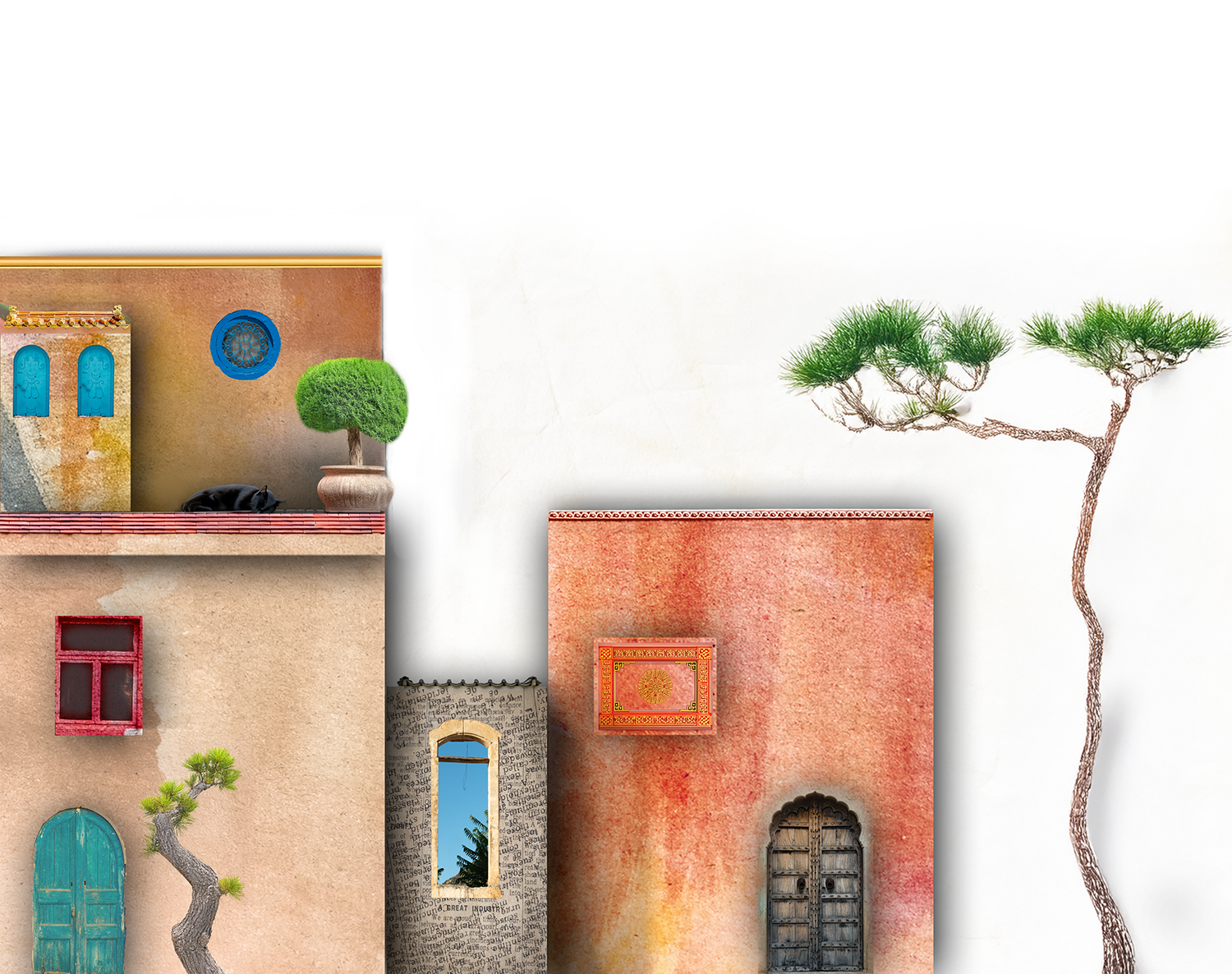
I’ve never looked back. I love editing my photos. I love taking the most boring photo from the shot and setting myself the challenge to turn it into something special - just for myself. I love taking photos of boring houses, importing them to Photoshop, extracting them and then using textures and combination techniques to turn them into artwork. I love creating gifs with image sequences, and I love inventing my own editing techniques.
And if all this sounds far too technical, complicated and far-away from your current skill level, then let it be known, that I also love teaching in a way that is easy to understand. Yes, I really hate complicated and mentally switch off whenever someone starts getting too tied-up-in-the-tech.
So if you’re a creative soul who longs to create digital art with their photos, or plainly wants to develop a unique editing style to set yourself apart from the rest then YOU’VE COME TO THE EXACT RIGHT PLACE.

Master Lightroom
What sets this workshop apart from other image editing workshops?
Like most other Lightroom workshops, this one includes extensive tutorials on navigating the software and using its organisation and editing features.
HOWEVER, it’s the only workshop where you’ll learn:
HOW TO ANALYSE INDIVIDUAL PHOTOS TO ASSESS THEIR POTENTIAL AND EDIT ACCORDINGLY
This workshop provides the invaluable information you need to analyse each of your images before you begin editing. Your editing process can change the photo’s character and reveal the elements that tell its story. When introducing the tools, you’ll learn when they make sense - and how to apply them in different scenarios.
TRICKS AND METHODS I’VE INVENTED MYSELF:
Combining the editing tools to create unique looks
Creating unique presets, exporting them and selling them on the internet
My unique organisation methods will help you find images within seconds
Create artefacts
HOW TO DEFINE YOUR PHOTOGRAPHY STYLE WITH YOUR EDITING LOOK
You’ll learn how to create the same look in your images (and no, this isn't just about applying the same presets; it's about adjusting light and colours to achieve it).


Master Photoshop
Creating artworks like this will soon be a breeze for you. You’ll be creating pieces that not only look completely mesmerising, but that are also easy to create.
Making them isn’t a quick process, but it’s an incredibly enjoyable and rewarding one. It’s the kind of artwork where you lose track of time and become completely immersed in the process.
Every step can be customised and changed at any time to suit your preferences.
The artwork combines various processes, and you’ll be guided through each one in small steps.


This can be yours
You will learn everything you need to know to organise your images, edit them, both with the editing tools and the new masking tools, how to create effects, for instance snow, birds, bubbles, bokeh, fog and light rays and also how to save your edits as presets to create the same look with the click of a mouse in the future (and even sell them as sets). In Photoshop, you will not only learn how to (finally) use the most important tools and features with confidence, but also how to extract elements from different photos to create new and interesting artwork.
In Lightroom
Organising:
Lightroom is perfect for organising your photos, not just within the software but also on your hard drive - yes! You can manage your photos directly in the software. You will learn how to organise your images so that you can find them within seconds.
Sorting:
As digital photographers, we tend to take too many photos. In Lightroom, you can quickly sort through your images, select the best ones, delete the ones you don't want from your hard drive, and save space.
Analysing Potential:
Unlike other Lightroom workshops, this workshop will also teach you how to analyse your images for editing. Not every image is ideal for the type of edit you might have. You will learn how to weigh up your options and determine whether Lightroom can create the image you were hoping for. The knowledge in this chapter will help you create photos within the camera with the end edit in mind, and it will save you hours of experimenting to see if something will work in the way you were hoping it would.
Editing:
Lightroom is an editing program, and in this chapter, you will learn how to use each of the tools and also how to combine them to create the looks you’ve envisioned.
Image Style via Editing:
Using a consistent editing style across all your images is one of the best ways to define your photography style, and in this chapter, I will show you how to adapt your edit so that all your images have the same look, regardless of subject or light.
Mask Edits:
Lightroom’s masking tools really set the program apart from any other editing programs out there, and in this chapter, you will learn how to use them individually and combine them in unusual ways to create unique image looks.
Creating Presets:
You will also learn how to create presets for your edits so you can use them with one click in the future and save hours of time. This chapter includes tutorials on creating presets with complete edits and individual editing steps, so you can mix and match them. You will also learn how to save artefacts and overlays as presets.
Creating Effects:
This is where we’ll start getting really creative! You’ll learn how to create effects, for instance, bubbles, fog, light rays, little birds, and entire looks that you can paint over an image. These are methods I have developed over the years that you will learn nowhere else but in this workshop. THESE ARE MY SECRETS, AND I’M HANDING THEM OVER TO YOU!

In Photoshop:
Since I do most of my basic editing in Lightroom, I focus on the features available only in Photoshop.
Importing / Exporting, etc.
Learn the easiest techniques for switching between programs, and how to import and export photos both from and to Lightroom and your hard drive.
Working with Layers:
The Layer panel is where the magic happens. A standout photo is rarely the result of a single slight adjustment, but of an entire sequence of minor (and sometimes major) changes. There are numerous options for individual editing steps, all of which are covered in the workshop content. Edits are each documented in an individual layer. The layers can be swapped around and blended to emphasise the look or to create magical effects.
Adding Text and Creating Designs:
Compared to Canva, Photoshop might seem like a more difficult option for creating designs; however, once you get the hang of the techniques, you’ll find it offers more options and that it’s easier to make alterations.
All about selecting:
Photoshop is the program that enables us to select the exact area that we want to edit or remove. In this lesson series, you’ll learn each of the selection tools and which one to select and apply depending on the change you want to make.
Each chapter is accompanied by exercises that will help you master the technique, so that you can finally start:
Creating Artwork:
With all your newly acquired Photoshop knowledge, it’s finally time to start extracting elements from your photos and create something new. In this final chapter, I’ll be teaching my favourite (and easiest) techniques.
The workshop will also be constantly updated, so whenever a new feature is added, you’ll be the first to learn how they work!
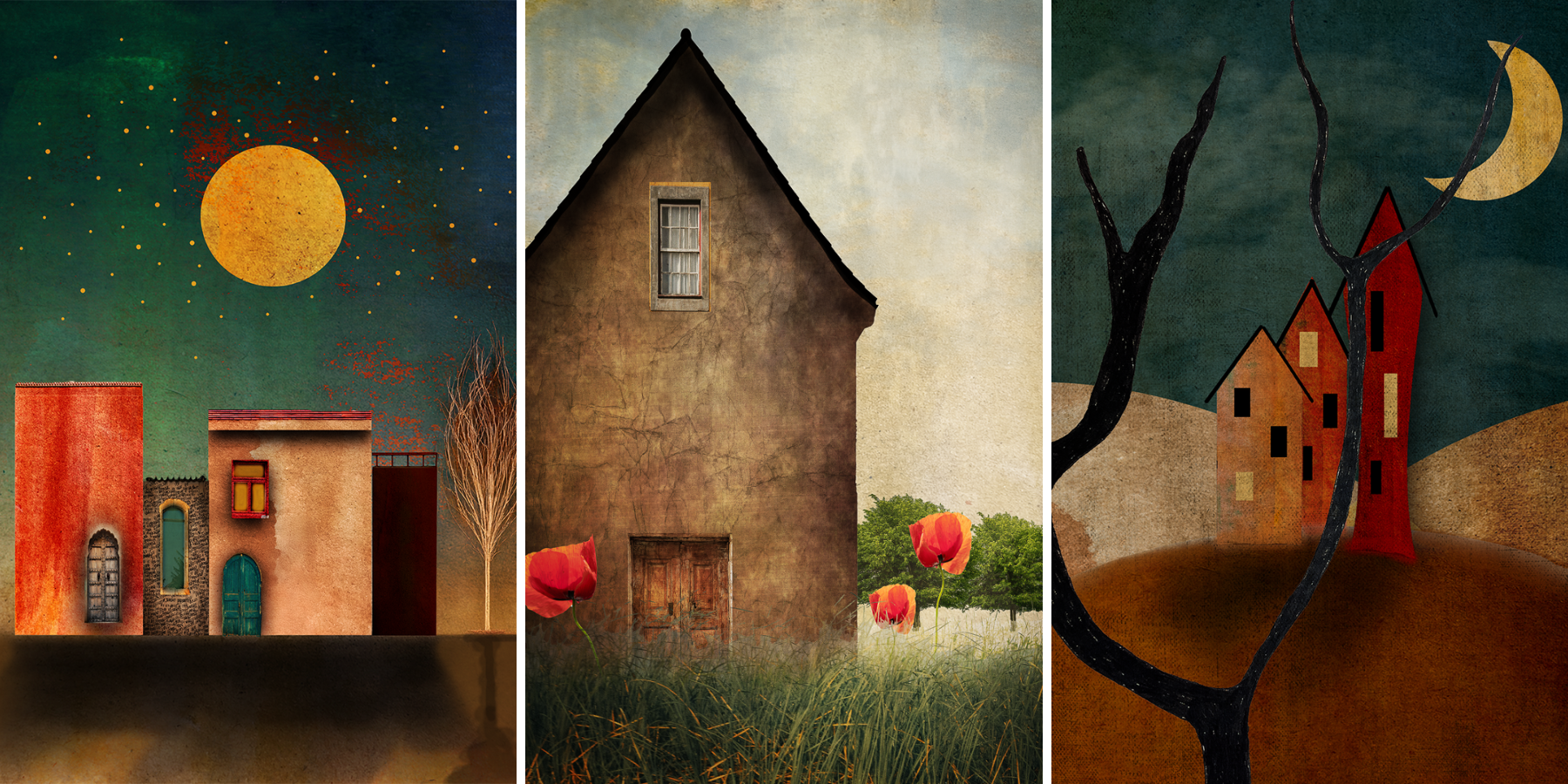
In this image series each individual element (building, windows, trees etc.) were captured in different places, in different years, and then pieced together to create something new.

Things you might be wondering before you buy the course (AKA FAQs):
+ Which editing software do I need if I want to get the most out of this course?
I will be doing all my demonstrating in Lightroom Classic and Photoshop. I recommend these versions because they have more features than CC (Creative Cloud). You will need to sign up for a monthly or annual membership via Adobe.com
+Will you be covering editing in the smartphone Lightroom app?
No, but you can easily apply the methods learned in this workshop to the Lightroom app. Most of the tools in Lightroom classic can also be found in the smartphone app, however detailed editing is difficult because of the screen size.
+ Do I need a basic editing skill set to get the most out of this course?
The course will take the beginner user to an advanced level in no time, and for the more intermediate user, it will fill any gaps of knowledge that are causing confusion. If you've never used Lightroom or Photoshop before or you feel you’re not using Lightroom to its full potential, this course is for you.
+ How long do I have access to the workshop?
You’ll have lifetime access to the contents so that you can learn at your own pace and in your own time. Please note that the workshop will be updated whenever Lightroom introduces new features.
Start bringing out the remarkable in your photos
Get lifetime access to the “Editing Like an Artist” workshop: